
What causes client onboarding bottlenecks in wealth management?
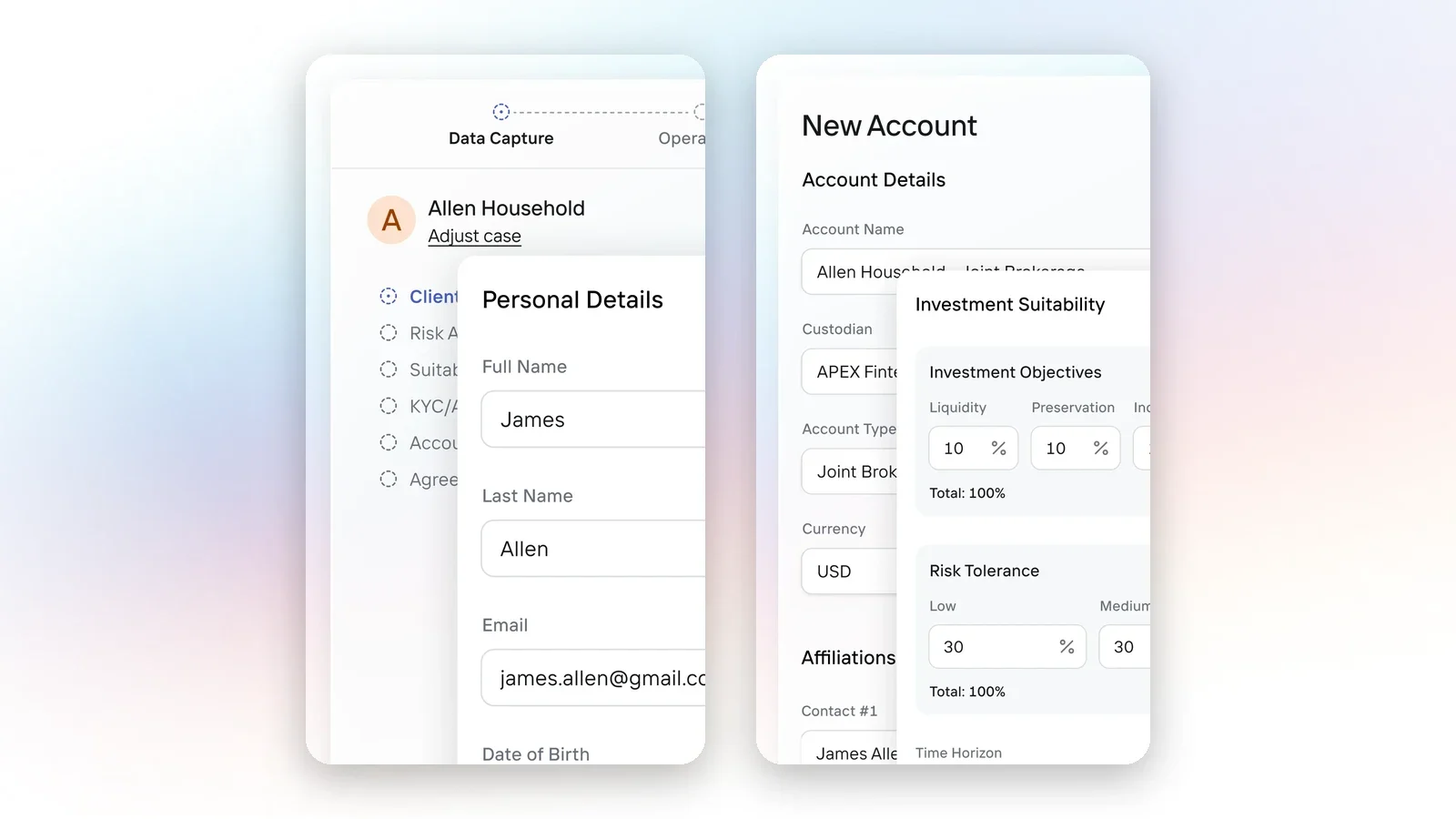
Six handoffs slow client onboarding in wealth management. Diagnose each one, see what AI can carry, and keep the approvals that belong to people.
Client onboarding bottlenecks in wealth management usually sit in the handoffs between steps. A household's details get typed into several systems, documents and signatures are chased by email, applications reach the custodian with missing fields, and nobody can see where the case is waiting. AI can take on much of that coordination work, but only when it works from one client record and a case that carries context from intake to funding. This guide gives operations leaders a way to find each bottleneck, decide what AI should handle, and keep the decisions that belong to people.
Why onboarding stalls
Slow onboarding has a measurable cost. In Fenergo's 2025 survey of 600 senior decision-makers at banks, asset managers and fund administrators, 70% of firms said they had lost clients in the past year because of inefficient onboarding, and onboarding abandonment averaged around 10% (Fenergo, 2025). That sample is broader than independent wealth managers, so use it as context for the problem and measure your own firm's rates separately.
The underlying cause is fragmentation. Kitces Research found that the typical advisory firm supports 12 software applications across 20 business functions (Kitces Research, 2025). Onboarding touches most of them: CRM, planning, document storage, e-signature, compliance review and one or more custodian portals. Every boundary between systems is a place where a person copies data, checks a status or asks a colleague what happened.
Six bottlenecks to diagnose
Review your last 20 onboarding cases against the six checks below. For each case, note where it waited, who moved it forward and what they had to look up.
1. Re-keying client data
The symptom is the same name, address, date of birth and employment details typed into the CRM, an intake form and a custodian application. The cause is that each system holds its own copy and nothing maps one to another.
AI can build the application from information the firm already holds, such as the client record, prior documents and advisor notes, and map it to each custodian's fields. People still confirm that pre-filled data is current before submission. FINRA Rule 4512 lists account information broker-dealers must maintain, including the customer's name and residence and the associated persons responsible for the account (FINRA Rule 4512). Data that AI pre-fills is still a record the firm owns.
2. Incomplete applications reaching the custodian
The symptom is applications returned not in good order (NIGO) for a missing beneficiary, a signature mismatch or an absent trusted contact. The cause is that the custodian checks completeness at the end of the process, after the case has left the firm.
AI and rules can validate the application against each custodian's requirements while the case is still open, then flag the gap to the person who can fix it. Deciding how to resolve the gap with the client stays with the advisor or operations team.
3. Document and signature chasing
The symptom is an operations team tracking who has signed in a spreadsheet or an inbox. The cause is that e-signature runs in a separate tool from the case.
A connected workflow can assemble the signing package from the case, route it to each signer in order and move the case forward when every signature is complete. People still decide which documents a client needs and answer the client's questions about them.
4. Know-your-customer and review queues
The symptom is a case waiting for a reviewer who has to reassemble the facts from several places. The cause is a review step that receives a request without the evidence.
FINRA Rule 2090 requires member firms to use reasonable diligence when opening and maintaining every account to know and retain the essential facts about each customer and the authority of each person acting for them (FINRA Rule 2090). Broker-dealers must also run a customer identification program (31 CFR 1023.220). For registered investment advisers, FinCEN postponed the effective date of its anti-money laundering program rule to January 1, 2028 (FinCEN, December 2025).
Whatever your firm's obligations, AI can gather the evidence, summarize what is missing and route the case to the designated reviewer. The approval decision belongs to the reviewer, and the case should not progress until that decision is recorded.
5. Status blindness
The symptom is advisors emailing operations to ask where an account stands, and operations logging into a custodian portal to find out. The cause is custodian status that lives outside the case.
When custodian status is written back to the case, exceptions can surface as tasks, and an assistant can answer a status question from the case history. Advisors stop relying on a colleague's memory or inbox.
6. Funding left open
The symptom is an opened account whose funding plan stalls. The cause is a case that closes at account opening while transfers are tracked somewhere else. Our guide to measuring time-to-funded explains how to separate account opening, first funding and funding-plan completion. AI can keep the funding steps attached to the same case and flag transfers that have not moved.
A quick self-diagnostic
| Question | If the answer is no |
|---|---|
| Is client data captured once and reused in every application? | Re-keying bottleneck |
| Are applications validated against custodian requirements before submission? | NIGO bottleneck |
| Do signature packages route and complete inside the case? | Signature bottleneck |
| Do reviewers receive the evidence with the request? | Review bottleneck |
| Can anyone see custodian status without leaving the case? | Status bottleneck |
| Does the case stay open until the funding plan completes? | Funding bottleneck |
Each "no" marks a handoff where a person currently does coordination work that a connected workflow, with AI inside it, could carry. Start with the bottleneck that appears in the most cases.
Where AI needs guardrails
FINRA's 2026 Annual Regulatory Oversight Report describes AI agents as systems that can plan, make decisions and take action toward goals. It lists risks for firms to consider, including agents acting without human validation, acting beyond their intended scope and authority, and multi-step reasoning that is hard to trace (FINRA, 2026 Annual Regulatory Oversight Report). For onboarding, three controls follow:
- Scope: AI can do only what the person using it is permitted to do, with firm-level limits on top.
- Approval: custodial submissions and money movement wait for a named person to approve.
- Record: every action, whether taken by a person or by AI, lands in an audit log tied to the case.
Our explainer on agentic onboarding covers how an agent coordinates a case end to end. Use this diagnostic first to decide which handoffs an agent should carry.
How OneVest Operate addresses each bottleneck
OneVest Operate is an add-on to OneVest Core. It runs onboarding, account opening, money movement and document signing as connected cases and carries shared client context from Core. According to the current Operate page:
- Capture once: client information is captured once and carried into account opening, with canonical field mapping that translates it for each custodian.
- Validation before submission: applications are checked for missing or invalid fields before they reach the custodian, to reduce NIGOs. Rejection details surface in the case, and steps can be reopened for correction and resubmission, depending on the custodian.
- Signing in the case: OneVest creates the signing package, routes it to signers in a configurable order and advances the case when all signers complete, using DocuSign or OneSpan.
- Status tracking: custodian status from application through funding appears in the case without switching portals.
- AI-powered actions: supported AI actions run within configured processes and the permissions that apply.
The OneVest AI page states that AI follows the same access controls as the person using it, that approval routing for custodial account opening and money movement keeps a person in the loop, and that actions completed by a person or by AI are tracked in the audit log.
Custodian coverage varies by workflow. The integrations directory lists account-opening workflows for Apex, Charles Schwab, Fidelity, National Bank, CI Investment Services and Aviso, with transfers and money movement listed for some of them. Confirm which steps your custodians support before you plan the rollout.
Start with your last 20 cases
Mark where each case waited and who moved it forward. The bottleneck that appears most often is your first candidate for a connected workflow, and it shows which coordination work AI should carry first.
Sources
- Fenergo, Financial Crime Industry Trends 2025 announcement
- Kitces Research, The Technology That Independent Financial Advisors Actually Use (And Like), 2025
- FINRA Rule 4512, Customer Account Information
- FINRA Rule 2090, Know Your Customer
- 31 CFR 1023.220, Customer identification programs for broker-dealers
- FinCEN, Final rule postponing the investment adviser AML rule to 2028
- FINRA, 2026 Annual Regulatory Oversight Report
- OneVest Operate
- OneVest AI
- OneVest integrations