Custodian Integration Checklist: 9 Questions for Wealth Management Platforms
Nine questions to evaluate custodian integrations for workflow coverage, freshness, reconciliation, access, monitoring, change control, and continuity.
A custodian integration is not proven because two systems can exchange a sample account. A production-ready connection must support the right business objects, direction, freshness, identity mapping, reconciliation, permissions, exceptions, monitoring, change control, and continuity plan.
Those requirements matter because the integration often sits inside account opening, funding, holdings, cash movement, servicing, reporting, and supervision workflows. A failure can create more than a technical inconvenience. It can delay client work, obscure status, produce conflicting records, or weaken the evidence a team needs to review an action.
Use these nine questions to evaluate an integration before committing to a wealth-management platform.
1. Which business objects and workflows are covered?
Ask for an explicit inventory. “Custodian integration” may refer to a narrow holdings feed, a document link, account-opening connectivity, transaction status, or a broader set of read and write capabilities.
Review the objects your operating model requires, such as:
- Clients and households.
- Accounts and registrations.
- Holdings and balances.
- Transactions and tax lots.
- Cash and money-movement status.
- Account-opening applications.
- Documents and service requests.
- Restrictions, alerts, and exceptions.
Then connect each object to a workflow. A holdings feed does not prove that account opening or service requests can move through the same integration.
2. Is the connection read-only, write-capable, or bidirectional?
Direction determines what the platform can actually do.
A read-only connection may support dashboards and reporting. A write-capable connection may initiate an application, update an approved field, or submit a request. A bidirectional workflow may send an action and return status, identifiers, exceptions, and completion evidence.
Ask which actions are allowed, which require approval, and where the final system of record sits. “Bidirectional” should not mean unrestricted. It should mean controlled movement for defined objects and actions.
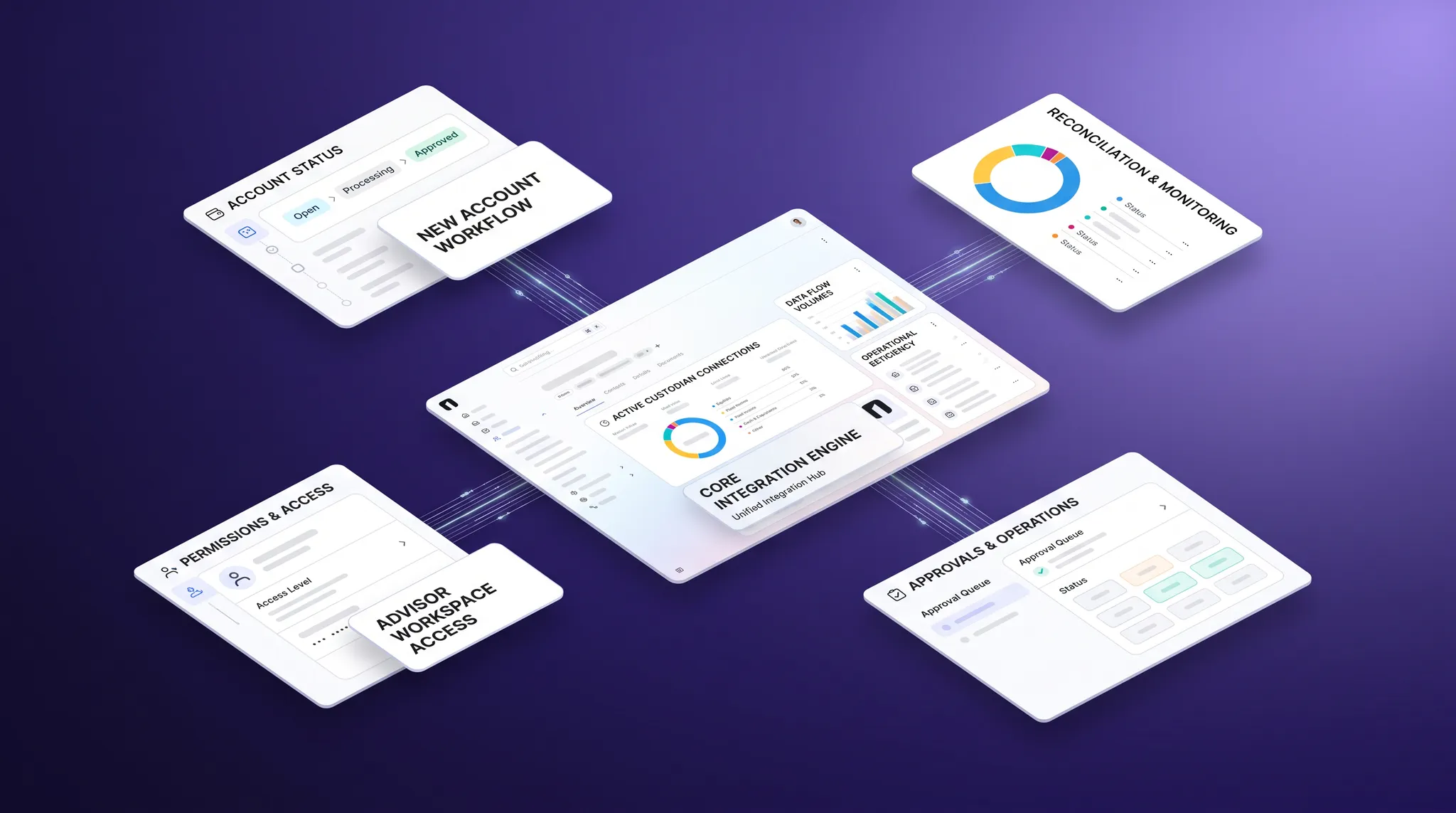
The OneVest platform connects custodians, tools, and data sources through an orchestration layer. Its Account Opening capability connects applications, approval routing, activity logging, and custodian synchronization in one workflow.
3. What freshness does each workflow require?
“Real time” is useful only when it is defined.
Ask for expected latency by object and action. Intraday holdings, overnight files, account-opening status, cash movement, and profile updates may have different technical and operational requirements.
Document:
- Update frequency.
- Expected delay.
- Timestamp source.
- Time-zone handling.
- Weekend and holiday behavior.
- How delayed or stale data is marked.
A user should be able to tell whether a value is current enough for the decision at hand.
4. How are identities normalized and reconciled?
Custodians and wealth platforms may represent the same household, account type, security, status, or registration differently. The integration must map those concepts without silently changing their meaning.
Ask how the provider handles:
- Stable client and account identifiers.
- Household and relationship mapping.
- Account-type normalization.
- Security identifiers and unsupported assets.
- Duplicate or merged clients.
- Closed, transferred, or restricted accounts.
- Conflicting values between systems.
Review the reconciliation process. Teams need to see unmatched records, differences, ownership, and resolution history rather than receiving a clean dashboard that hides unresolved data.
5. How are permissions and sensitive data controlled?
Map which users, services, and vendors can access each data type and action. Use least privilege rather than granting a broad integration account more access than the workflow requires.
Review authentication, credential storage, role-based access, encryption, approval rules, audit history, and access removal. Also identify fourth parties that may receive or process data.
FINRA’s 2026 Third-Party Risk Landscape emphasizes vendor due diligence, data inventories, data-protection controls, ongoing monitoring, outage impact, and contingency planning. Firms should apply requirements appropriate to their registration, business model, and obligations.
6. What happens when an event fails?
Failures should become managed work, not invisible gaps.
Ask what happens when:
- A request is rejected.
- A required field is missing.
- A record cannot be matched.
- A custodian service is unavailable.
- A response arrives late or more than once.
- A write succeeds but the confirmation is lost.
- A user retries an uncertain action.
The workflow should prevent accidental duplication, preserve the attempted action, assign the exception, and make the next step clear. Users should not have to search logs or call support to learn whether a client request moved.
7. What monitoring and evidence are available?
The provider should be able to show both technical health and business-process status.
Useful evidence includes:
- Request and response timestamps.
- Client or service identity.
- Endpoint or event type.
- Processing status.
- Retry and failure history.
- Related workflow and user.
- Alert history and resolution.
NIST SP 800-228 recommends API telemetry that includes timestamps, client identifiers, request or response status, and endpoint identifiers. It also recommends reconciling declared API specifications with live traffic to identify shadow, orphan, or obsolete endpoints.
For business users, translate that telemetry into plain workflow status. A service desk should be able to answer which client actions are affected, who owns them, and whether a workaround is required.
8. How are changes managed?
Custodian APIs, file formats, authentication methods, fields, and workflow rules change. Ask how the provider detects, tests, communicates, and deploys updates.
Review:
- Versioning and deprecation policy.
- Test or sandbox access.
- Regression testing.
- Release notices.
- Backward compatibility.
- Field-mapping governance.
- Rollback procedures.
- Ownership for remediation.
FINRA Regulatory Notice 21-29 discusses the need for oversight of vendor application and technology changes that can affect business and compliance processes. Change management should be part of the integration operating model, not an emergency response after a feed breaks.
9. What are the outage, exit, and continuity plans?
Assume a critical connection will eventually be degraded or unavailable.
Ask how the firm will identify affected work, communicate status, preserve queued actions, reconcile activity after restoration, and operate during the interruption. Define which workflows can wait and which require a controlled fallback.
Also plan for the end of the vendor relationship. Determine how access is revoked, data is returned or destroyed, records are retained, and workflows move to a replacement connection.
FINRA’s cybersecurity advisory on third-party provider risks highlights incident response, business continuity, vendor access, ongoing monitoring, and procedures for data when a relationship ends.
Run a proof-of-connection test
Before relying on a custodian integration, test one end-to-end process with normal cases and exceptions.
For example, run an account-opening workflow that includes household matching, required documents, approval, custodian submission, returned status, a rejected field, correction, and final confirmation.
Verify:
- The right data moved in the right direction.
- Users could see the source and freshness.
- Permissions and approvals were enforced.
- The rejection became assigned work.
- The correction did not duplicate the request.
- Monitoring showed each stage.
- The final record preserved the history.
Evaluate the operating connection, not the logo
A custodian logo on an integration page does not describe coverage or reliability. Buyers need evidence that the connection supports the required workflow, keeps data explainable, exposes failures, and remains governed as systems change.
OneVest is an API-first wealth operating system that connects advisor, operations, client, and custodian workflows through one modular orchestration layer.